> For the complete documentation index, see [llms.txt](https://linemasters-organization.gitbook.io/linemaster-2.4ghz-typhoon/llms.txt). Markdown versions of documentation pages are available by appending `.md` to page URLs; this page is available as [Markdown](https://linemasters-organization.gitbook.io/linemaster-2.4ghz-typhoon/alerts.md).
# Alerts
The device may display various alert messages during use, designed to warn you of abnormal conditions, errors, or situations that require your attention. In most cases, you can dismiss these messages by pressing the navigation button—but we recommend **not ignoring them** without understanding their cause. These alerts are here to help you maintain safe and reliable operation.
Below is a description of each available alert and what it means:
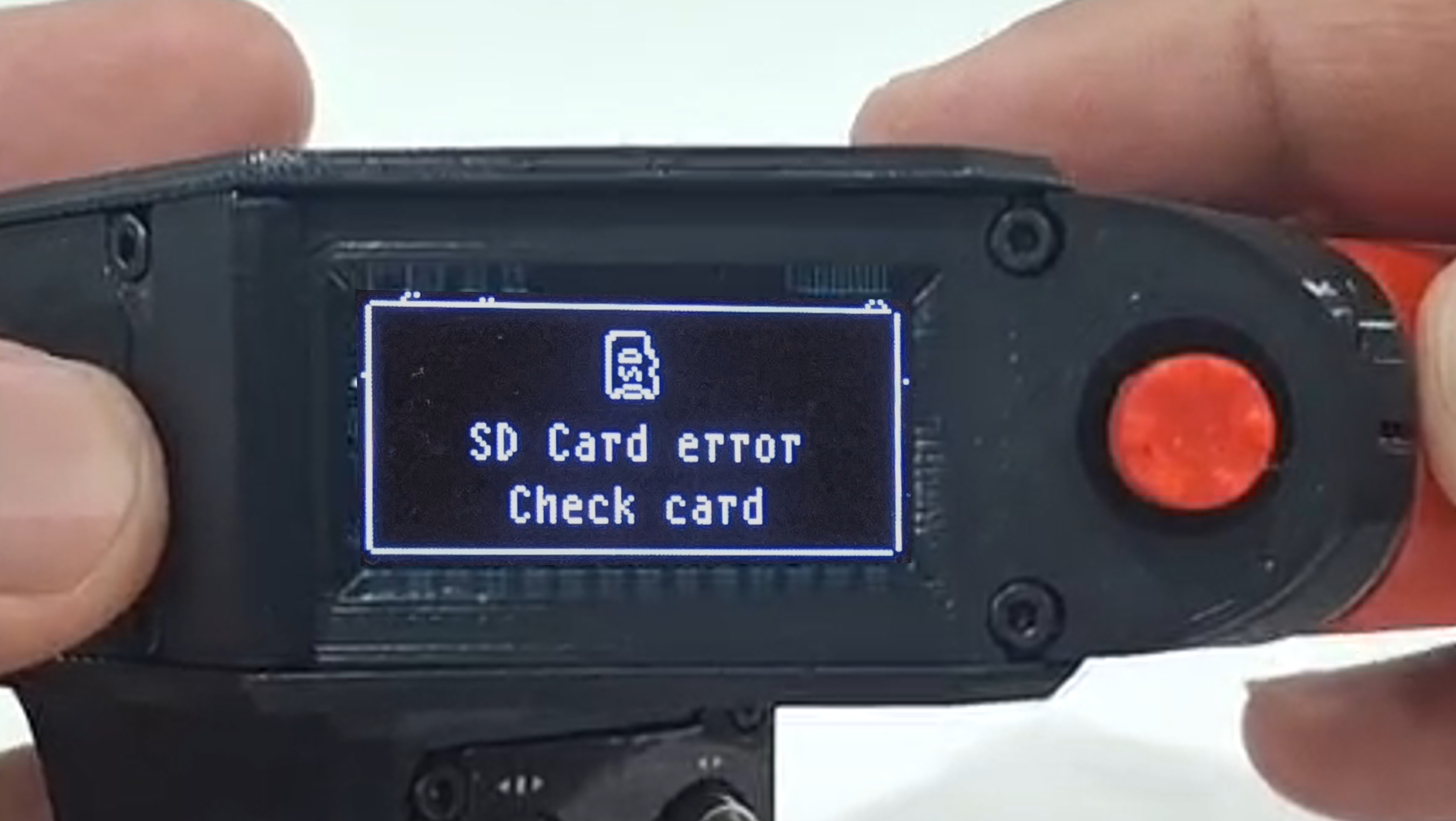
### SD Card Read Error
This alert appears when the device fails to access the SD card while the firmware is initializing its core functions. This alert blocks device usage and cannot be dismissed.
#### What to do:
{% stepper %}
{% step %}
### Power off the device and remove the SD card
Turn off the device completely and remove both the battery and the SD card. This ensures safe handling and prevents damage during removal.
{% endstep %}
{% step %}
### Check the SD card
Inspect the card for physical damage or dirt. Make sure it’s inserted correctly and that the slot is clear of obstructions.
{% endstep %}
{% step %}
### Connect it to a computer and format to FAT32
Insert the SD card into a reader connected to your computer. Perform a full format using the **FAT32** file system. Do *not* use NTFS or exFAT, as they are not supported.
{% endstep %}
{% step %}
### Reinsert the SD card and battery, then power on the device
Place the card back into the device, reinstall the battery, and turn it on. The alert should disappear if everything is in order.
{% endstep %}
{% endstepper %}
{% hint style="info" %}
If the error persists, repeat the process with another SD card. If this still doesn't fix it, please contact me through the contact section.
{% endhint %}
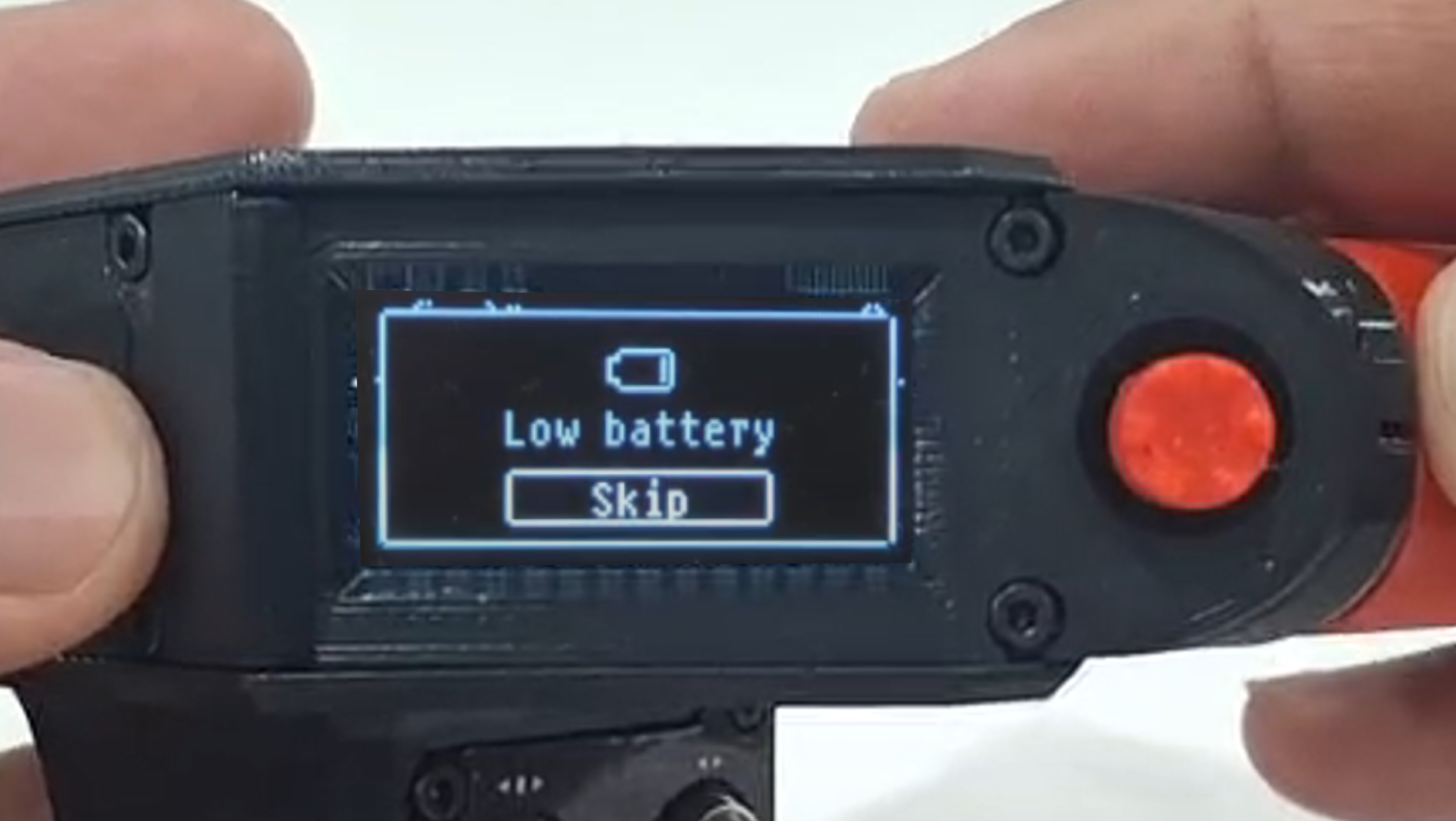
### Low Battery Warning
This alert is shown when the battery reaches a **very low**, but not yet critical, level.\
It’s not an emergency—you should be able to complete your current flight without issue. You may temporarily dismiss the alert with the navigation button, but it will reappear after a few minutes if the battery level doesn’t improve. When the charge reaches a critical level, a permanent alert will appear and disable the device until the battery is recharged or replaced.
{% hint style="warning" %}
The remaining charge level displayed is approximate and, while optimized for maximum reliability, is not 100% accurate. Under no circumstances should you wait for the low-battery warning to recharge the device: in critical situations that alert may arrive too late. It is the user’s responsibility to monitor battery status and recharge the device before it reaches low-charge levels, thereby avoiding unexpected interruptions.
{% endhint %}
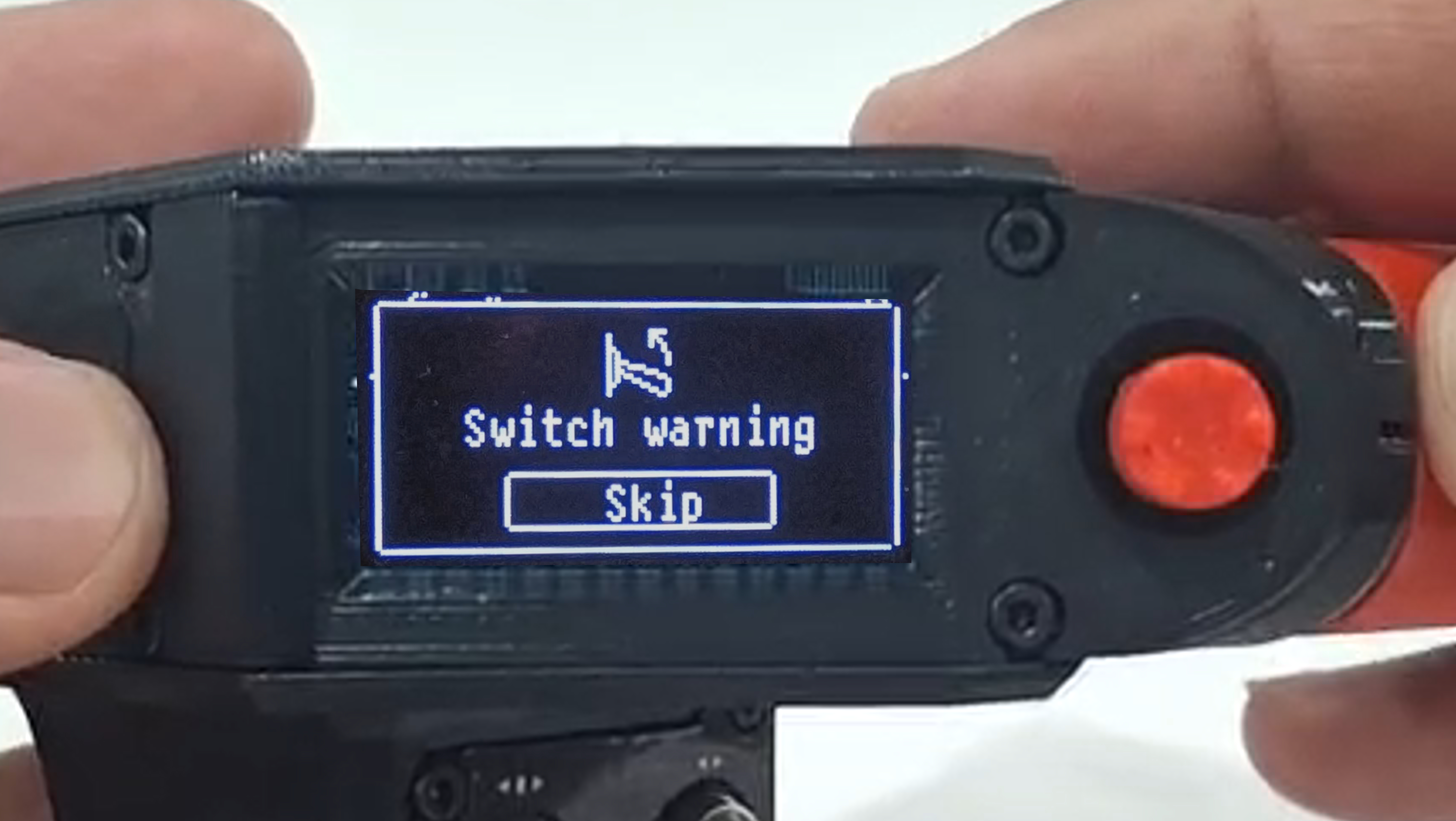
### Wrong Switch Positions
This alert is triggered during firmware startup, when the system checks the positions of switches. If any switch is not in its **default starting position**, this warning will appear.
Its purpose is to **prevent unintended commands** from being sent to the receiver, which could lead to dangerous situations.\
For example, if the handle is powered on with the retract switch already set to "retracted," the receiver might immediately act on that command—potentially causing the model to collapse on the ground.
Default switch positions are:
* All toggle switches **up**
* All latching buttons in the **released** position\
*(LED indicator off when released, on when pressed)*
You can dismiss the alert by pressing the navigation button or **manually correcting** the switches to match the model's defined initial positions.
Once all switches are returned to their expected states, the alert disappears automatically.
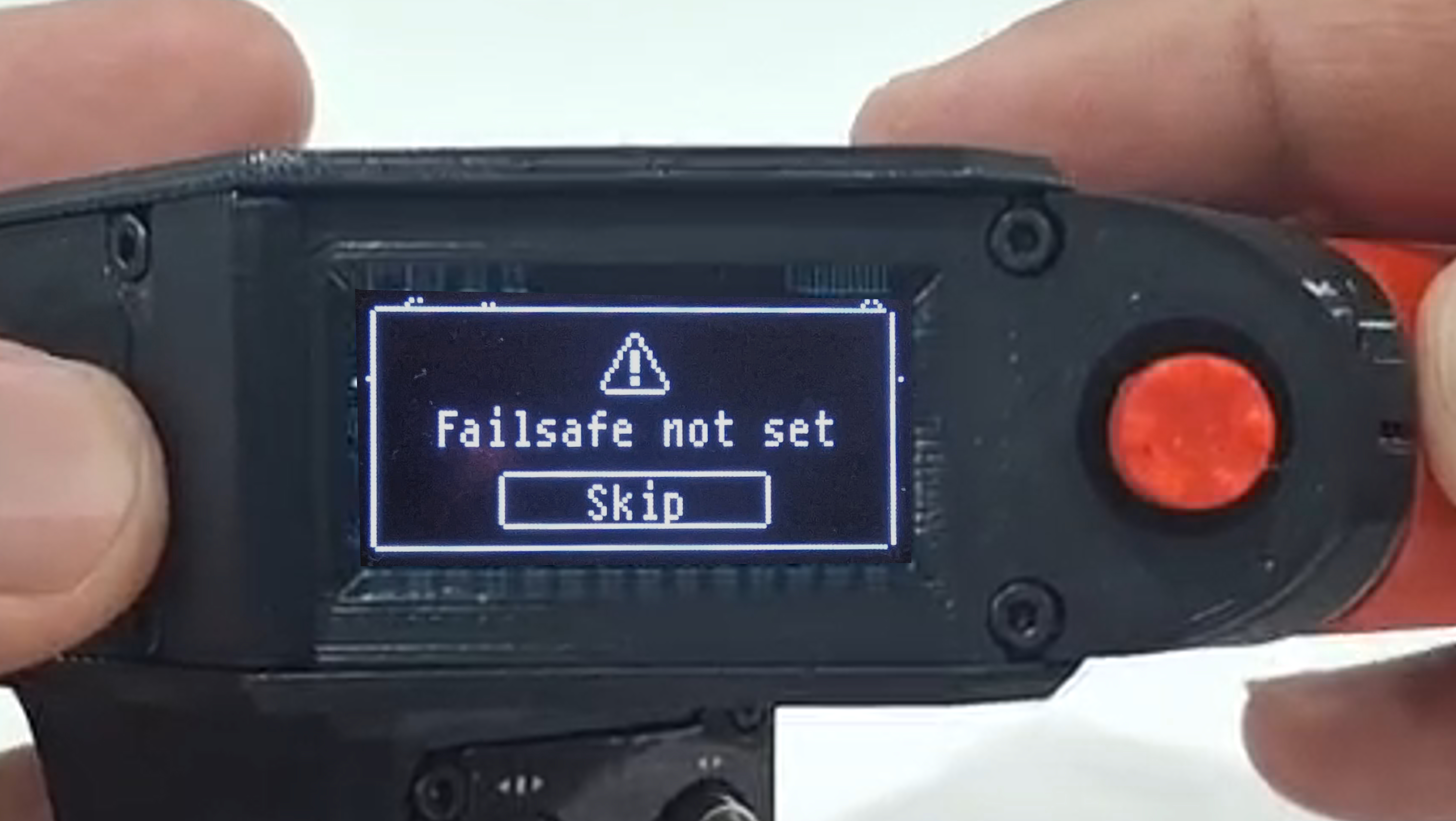
### Failsafe Not Set
This alert means that a failsafe has **not been configured** for the currently selected model.\
It serves as a reminder that, in case of lost communication between the handle and the receiver, the receiver will continue to act on the last known command—which could be dangerous in certain scenarios.
You can dismiss this alert by pressing the navigation button, but don’t ignore its importance if your model requires a **safe default behavior** during signal loss.
{% hint style="info" %}
It is strongly recommended to configure a failsafe for each model, clearly defining what values should be applied in case of signal loss.
{% endhint %}